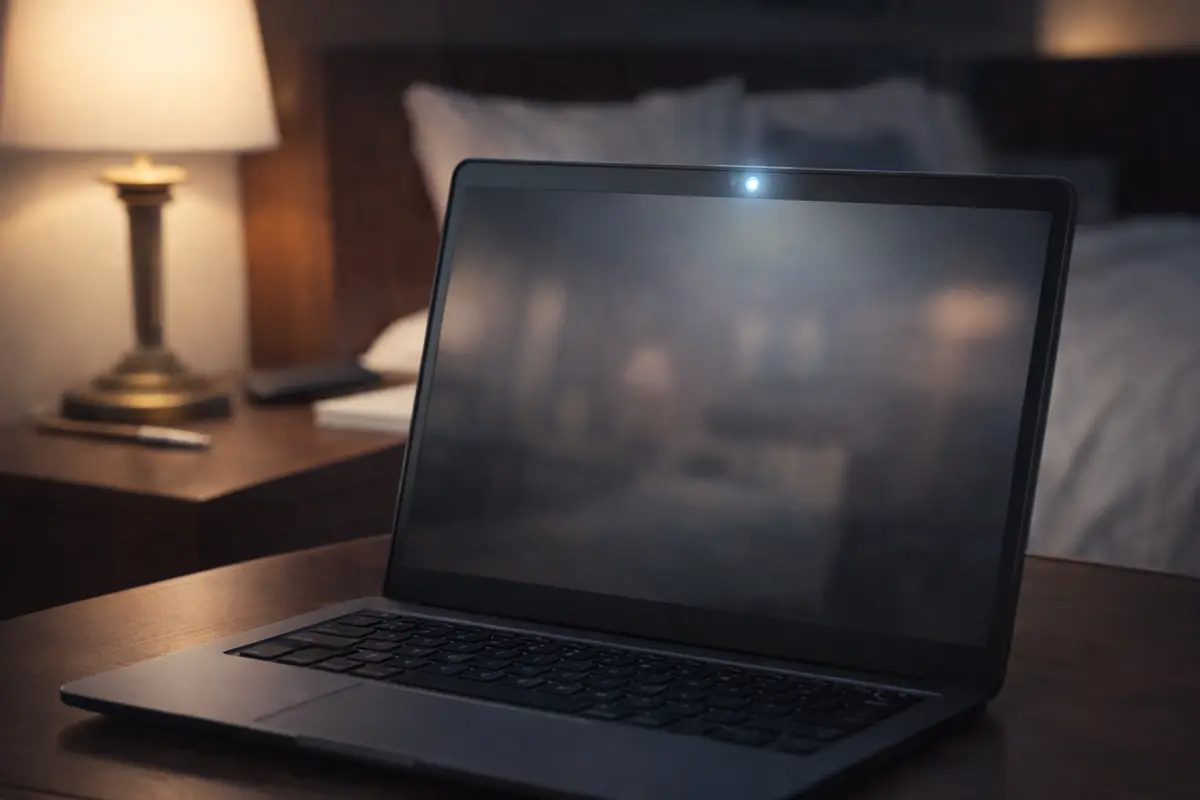
Download the Windows installer to the PC you want to protect. You can install on a desktop, small office PC, or a laptop acting as a silent security camera.
Get started with Silent Guard in three steps
Download Silent Guard, then activate your free 48-hour trial with a credit or debit card (no charges during the trial). After 48 hours, if you haven’t cancelled, your subscription will start automatically and charges will apply.
You can download the installer right now for free. To actually use Silent Guard and start recording, you must activate your free 48-hour trial with a valid credit or debit card. Your card is handled securely by our payment partner (Converge/Elavon), and you will not be charged during the trial.
Before installing and using Silent Guard, create your trial account and add a valid credit or debit card. This is required to start the trial and is handled securely via our Converge/Elavon payment page.
You will not be charged during the first 48 hours. If you do not cancel before the end of your 48-hour trial, your subscription will start automatically and charges will apply.
You can cancel online at any time during your trial.
Once your free trial is activated, run the installer you downloaded in Step 1. When Silent Guard starts, sign in using the same email address you used for your trial account, then arm motion detection.
If your trial expires or is cancelled, the agent will stop uploading new clips until you reactivate your subscription.
Need to cancel?
You can cancel online at any time during your 48-hour trial to avoid charges. After your subscription starts, cancellations will stop future renewals according to our terms.
Go to the cancellation page