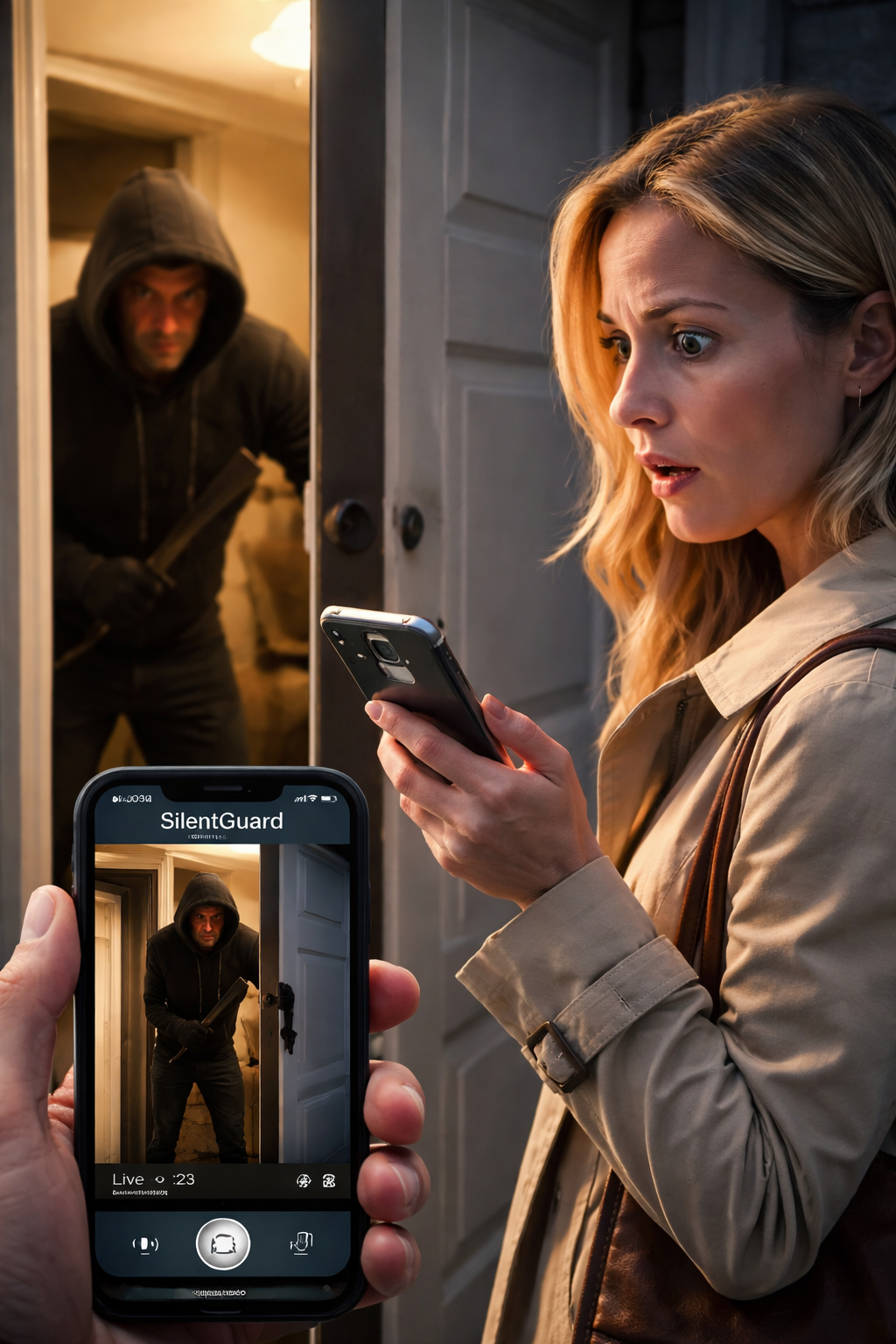
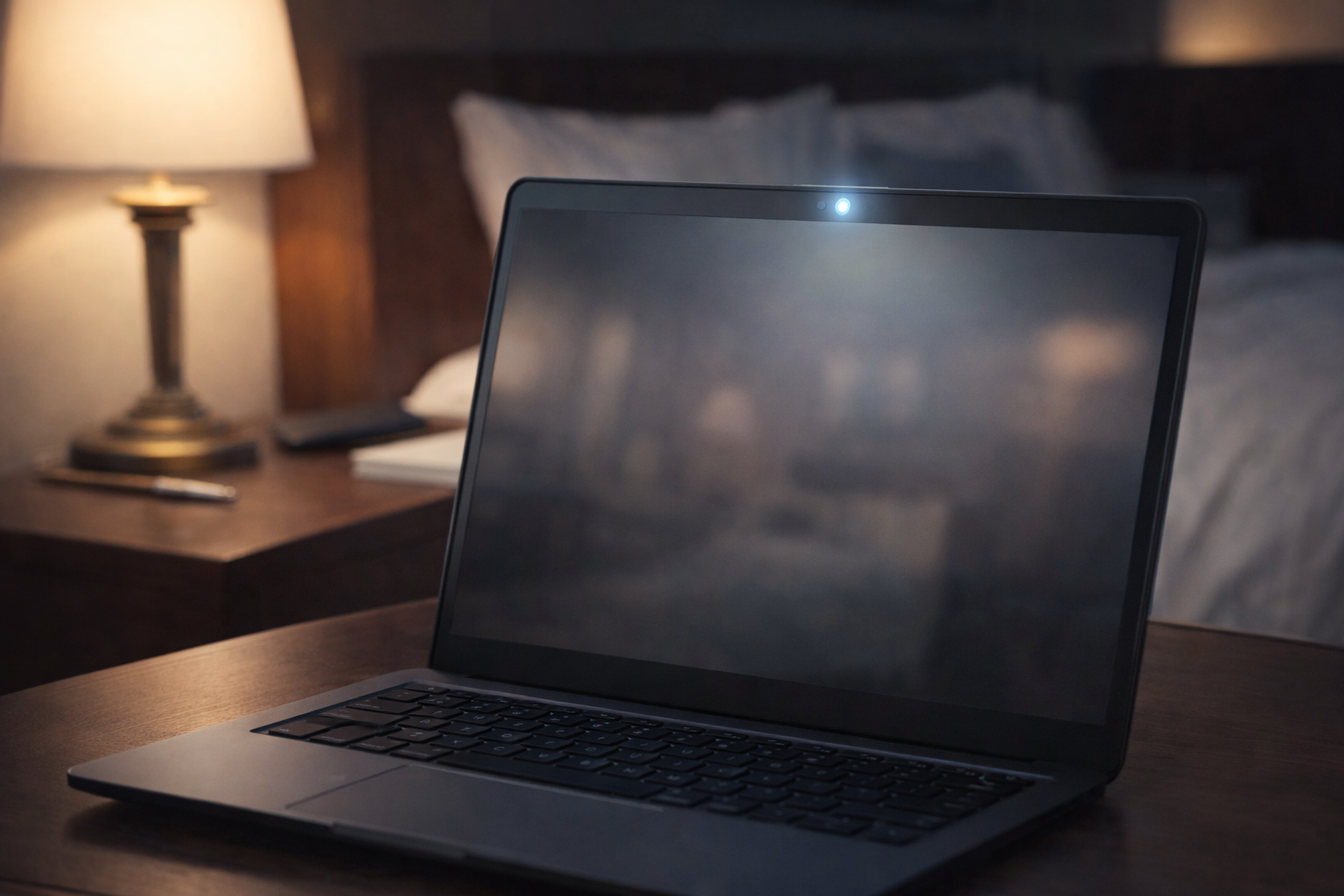
Install the lightweight Silent Guard Agent on any PC you want to monitor. Give each device a camera name, like “Office Front Desk” or “Back Room Storage”.
Silent Guard — Turn any PC into a silent security camera
Silent Guard uses your PC’s webcam to detect motion, record intruders, and automatically upload encrypted video clips to your secure server — so you still have evidence even if the computer is stolen or destroyed.
Credit or debit card required to activate your free 48-hour trial. No charges during the first 48 hours. If you do not cancel before the end of the trial, your subscription will start automatically and charges will apply.
Cancel online at any time during your trial.
No special hardware required — just a PC, a webcam, and your Silent Guard server at SilentGuard.online.
Silent Guard turns any Windows PC with a webcam into a low-profile, motion-activated security node that safely streams evidence back to your server.
Silent Guard quietly watches the webcam feed in the background. When motion crosses your configured threshold, it starts recording a time-stamped video clip.
Each finished clip is encrypted and uploaded to your Silent Guard storage server at SilentGuard.online. Even if the PC is unplugged, stolen, or destroyed, uploaded evidence stays safe.
Designed for small offices, home offices, and back rooms where you already have a PC and you simply want proof if someone walks in.
If someone steals or destroys the computer, video clips that Silent Guard has already uploaded remain preserved on your server. You keep the timeline and the proof.
No special cameras or NVR required. Any Windows PC with a webcam can become a Silent Guard node, ideal for reception areas, offices, and storerooms.
Silent Guard runs in the background with no pop-ups when armed. You control arming and disarming from a small control panel or hotkey.
Give each agent a room label and browse clips by location and date inside your Silent Guard portal. Quickly see which area triggered an event.
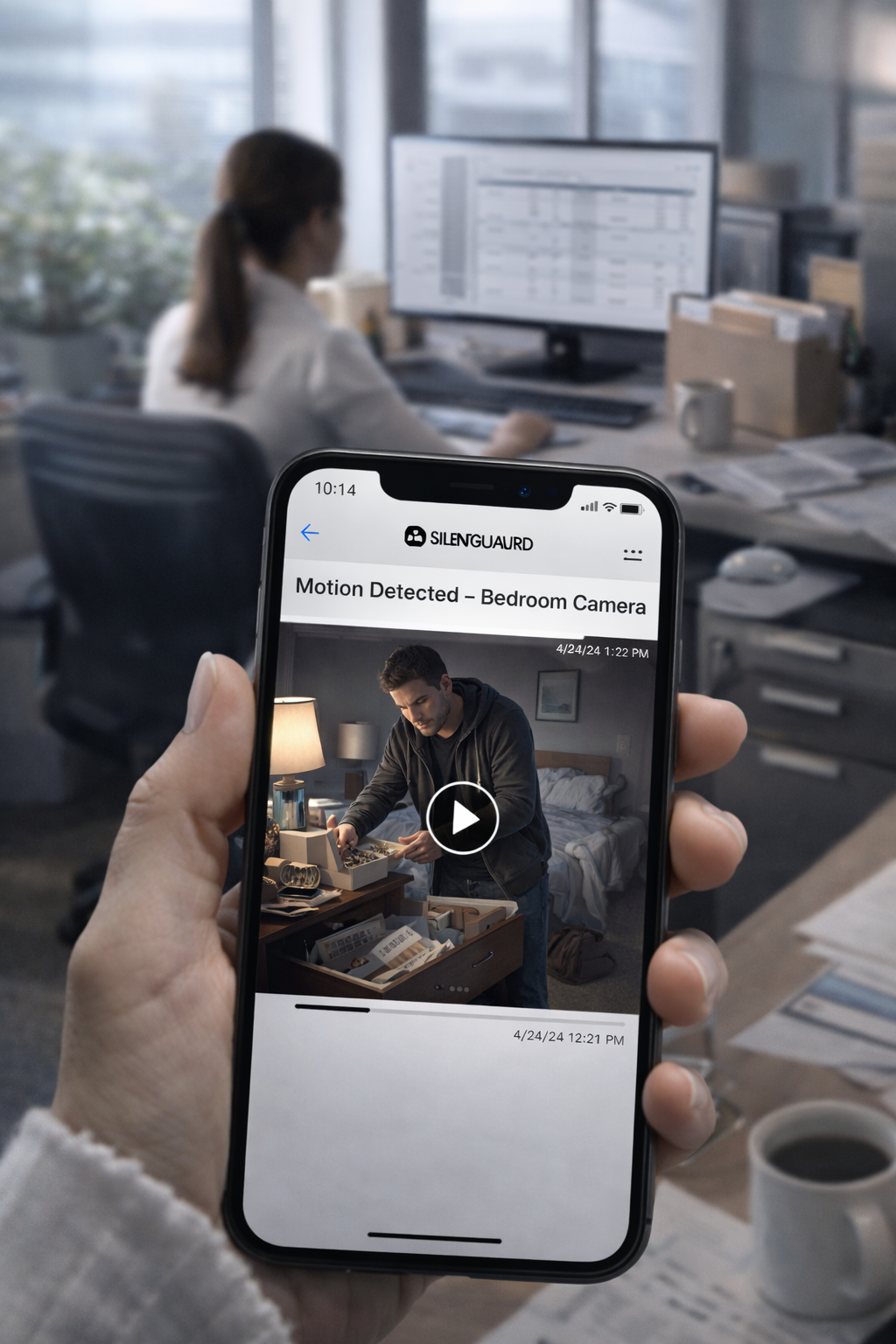
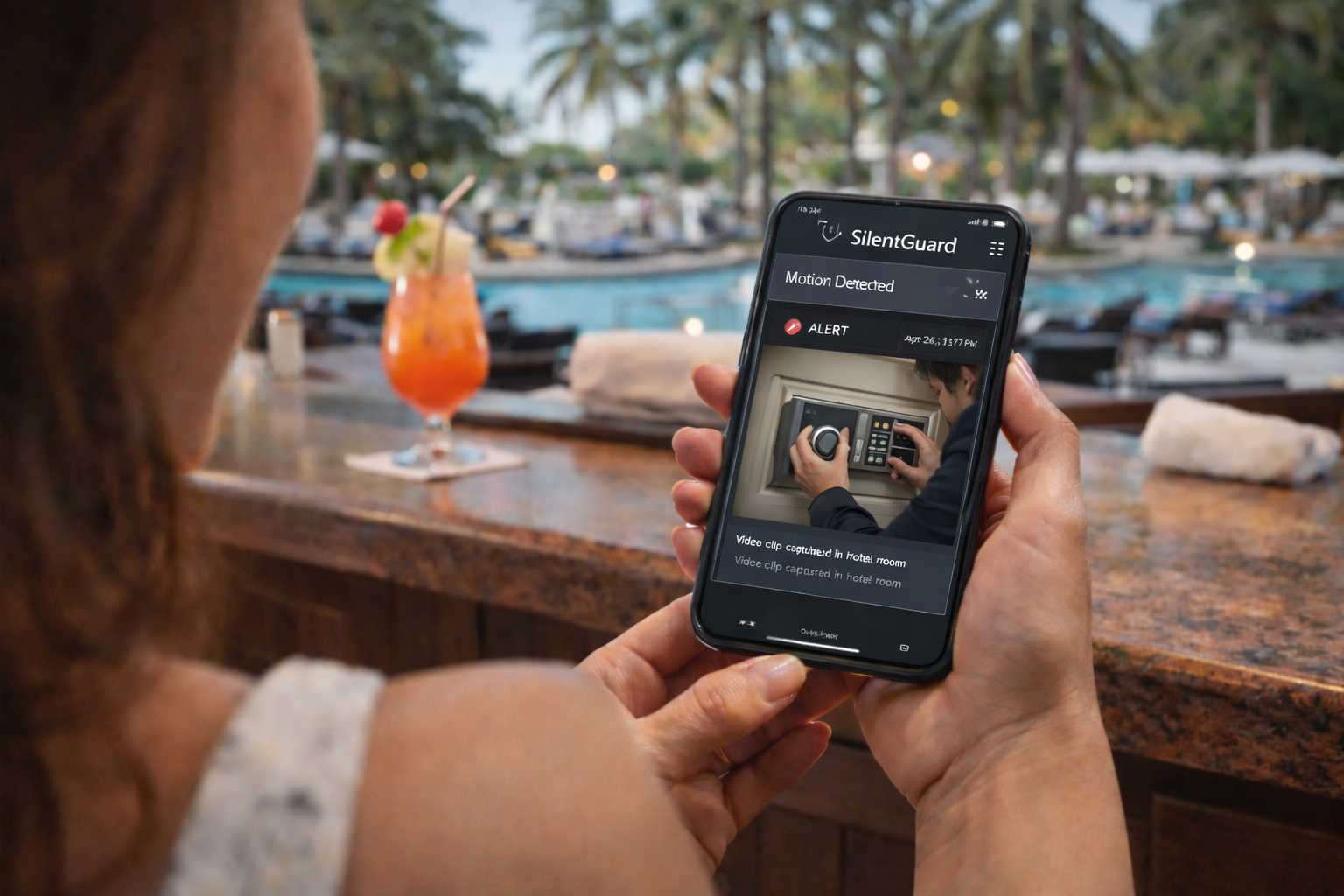
Silent Guard emails you a link every time motion is recorded, so you can quickly review and save important clips.
Open the Silent Guard email, click the link to your clip, and use the video player’s menu to download a copy you can keep forever.
- Watch recordings from your phone, tablet, or computer — no special app required.
- To download, open the video and click the three dots (⋯) in the top-right corner of the player, then choose “Download”. On some devices you can also right-click or tap-and-hold and select “Save video as…”.
- Older clips are automatically removed from the server after roughly 90 days to protect your disk space — download important recordings you want to keep permanently.
Start with a single PC, then scale to multiple rooms and locations as your security needs grow. Every new subscription begins with a free 48-hour trial.
Perfect to secure a single PC in a home office or small room.
- 1 Silent Guard Agent (1 PC)
- Motion detection with configurable sensitivity
- Encrypted upload to your SilentGuard.online storage
For offices and retailers who need multi-room coverage and automatic evidence handling.
- Multiple Silent Guard Agents across PCs
- Automatic encrypted upload to SilentGuard.online
- Web portal to browse, filter, and download clips
- Configurable retention and per-room labels
A quick overview of how Silent Guard fits into your existing PCs and security setup.
No. Silent Guard is designed to work with the webcam that is already on your PC or laptop. You can also add external USB webcams if you prefer a different angle.
Any clips that Silent Guard has already uploaded to your SilentGuard.online storage remain available, even if the local machine is gone. That’s the core reason Silent Guard exists.
Silent Guard runs as a small background agent with a compact control panel. You can choose whether the tray icon is visible. We do not modify or bypass your device’s hardware indicators.
Yes. Silent Guard is meant to complement your existing security. Use it where you already have PCs — reception desks, offices, and storerooms — while your other cameras cover entrances and wider areas.